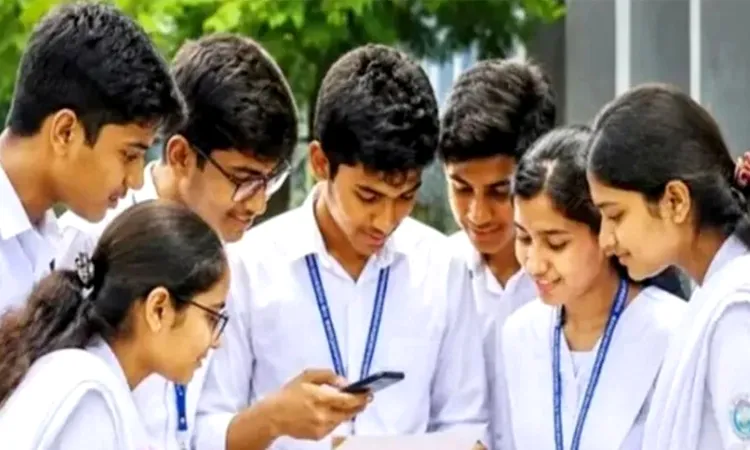
Results for this year’s Higher Secondary Certificate (HSC) and equivalent examinations will be published today.
The official publishing process will be inaugurated at 11:00 AM during an event at the Ministry of Education.
Meanwhile the Inter-Education Board Coordination Committee has announced in a press release that students will be able to access their results via an online portal, through their respective educational institutions, or by receiving an SMS on their mobile phones. Results will not be available at the Ministry of Education, the education boards, or newspaper offices.
The Education Board has changed the number for checking HSC examination results via SMS. While in previous years students could obtain their results by sending an SMS to 16222, this year they must send an SMS to the new number, 16140.
How to check results online
Students can visit eduboardresults.gov.bd or educationboardresults.gov.bd, or the websites of their respective education boards.
How to check results via SMS
They need to type HSC, followed by the first three letters of their education board’s name, their roll number and the examination year, separated by spaces.
For example, a Dhaka Board candidate should type: HSC Dha 123456 2026
The message should then be sent to 16140.